
PDF in.
Clean CSV out.
Ready to reconcile.
Turn South African PDF bank statements into clean, review-ready transaction rows—without retyping the month by hand.
July_Statement.pdf
6 pages · processed
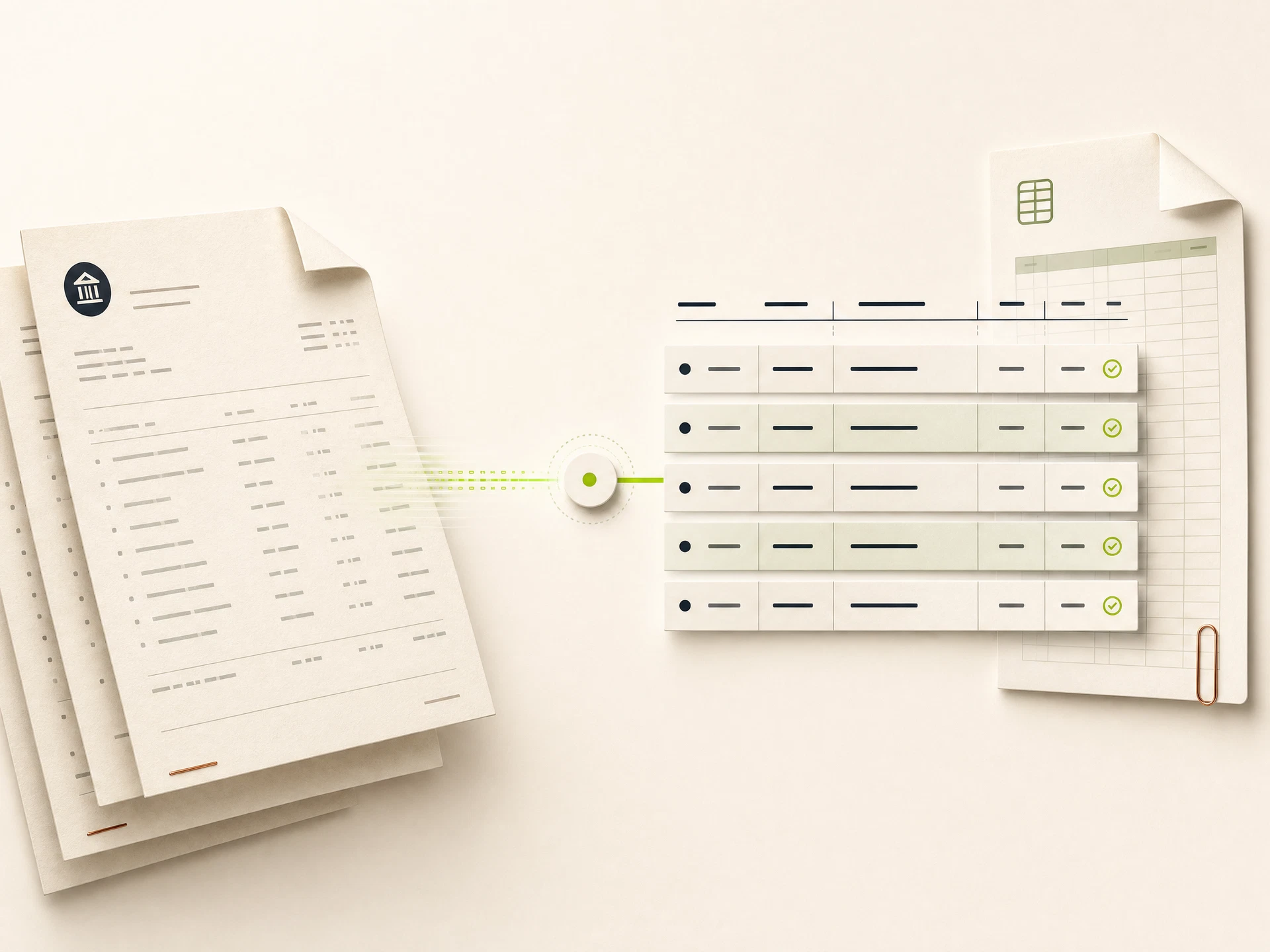
Client sent PDFs again?
Drop in a statement and get structured rows for the next accounting step—reviewed on screen before you export.
Drop a statement here
Or choose a PDF from your computer. We will show the page count before any pages are used.
Three steps.
No new accounting system.
ReconReady is a focused utility. Use it when the statement arrives as a PDF, then continue in the tools your practice already knows.
Upload the PDF
Choose a supported digital bank statement. See its page count before processing.
Review the rows
Compare extracted dates, descriptions, debits, credits, and balances with the source.
Export and continue
Download clean CSV rows for your spreadsheet or validated accounting workflow.
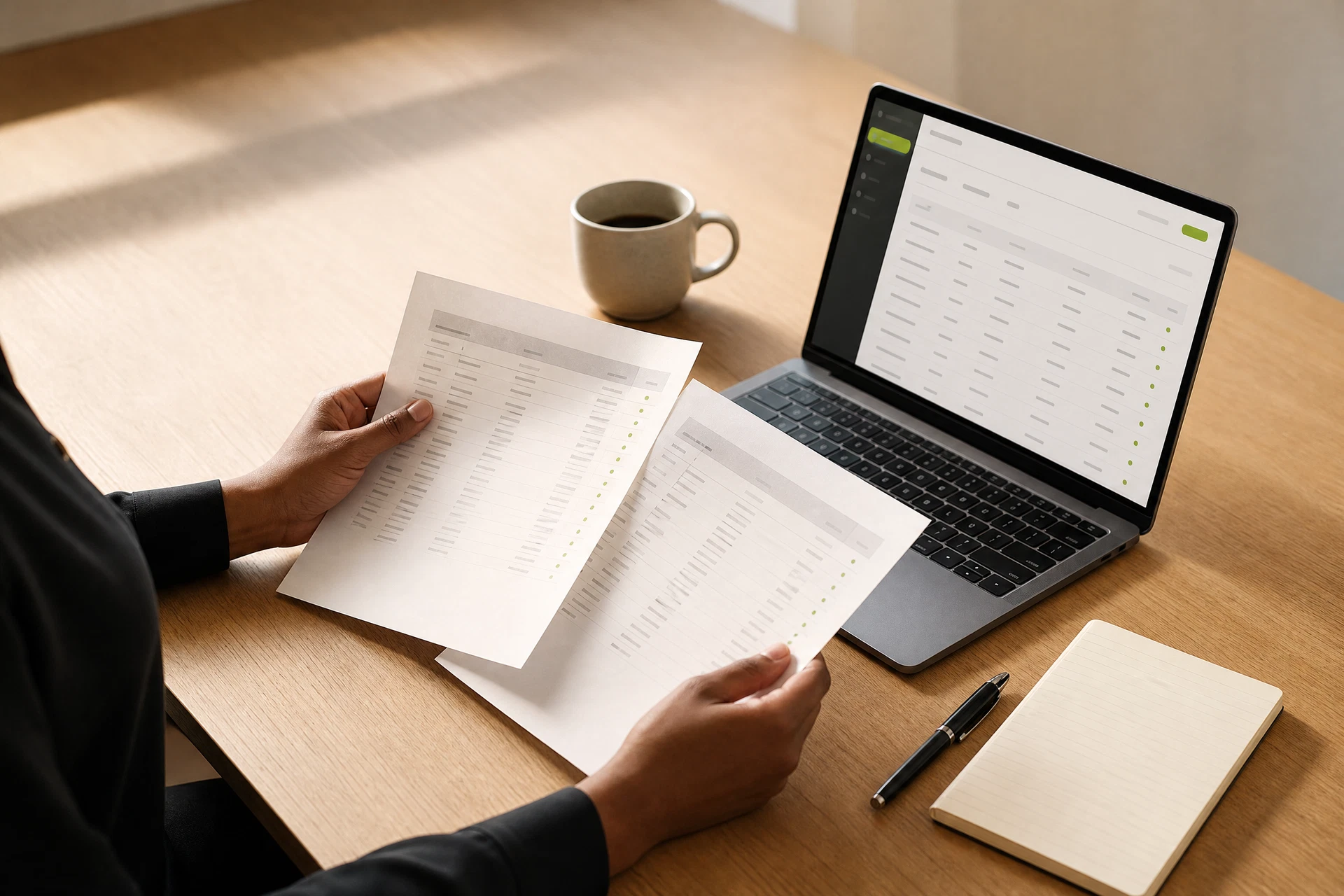
Less retyping.
More time for the books.
Convert the backlog of client PDFs into consistent rows, check the result, and move on to coding and reconciliation.
Know what happens to every file.
Financial documents deserve concrete answers—not a generic security badge. Our data policy sets out where files are processed, who can access them, and exactly when they are deleted.
Read the full data-handling registerClear retention
A precise source-file and output retention period.
Controlled access
Documented access and support procedures.
POPIA-aware
Operational facts and legal terms, not vague claims.
Honest accuracy
Review-first language instead of perfection promises.
Buy pages.
Not another subscription.
Start with 3 pages free. When the next batch arrives, buy a non-expiring page pack and use it when you need it.
Pay per page · Failed pages are not charged · All prices include VAT · Pages never expire
The practical details, upfront.
Clear answers reduce risk before the first upload. Here are the questions that come up most.
Read every questionGive the PDF backlog a clean starting point.
Try a real statement before deciding. No card, no monthly plan, and no vague unit pricing.